 Scalin
Trend
See the whole picture.
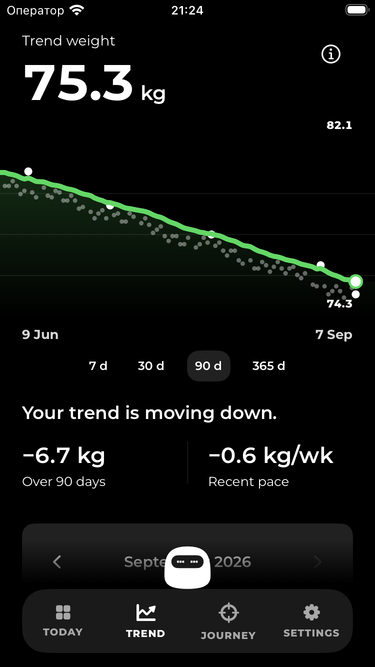
Zoom out from today to weeks and months. See your recent pace alongside the readings behind it.
Weight tracking, with perspective.
Your weight changes day to day.
Scalin helps you see where it’s really going.
iPhone · Apple Watch · Widgets
Subscription required. Trial available for eligible users.
A little perspective
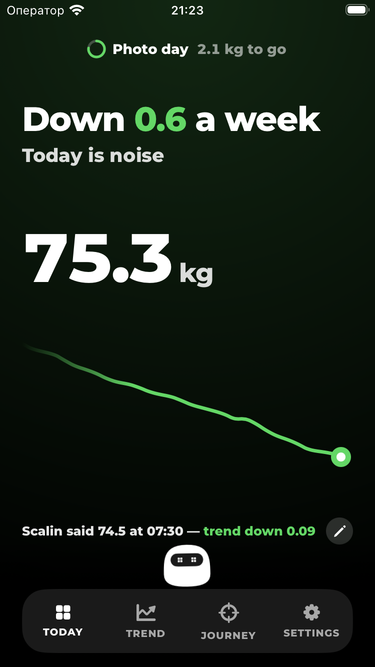
One reading can jump around. A trend gives those readings context, so one morning doesn’t define your week.
The ups. The downs.
The direction underneath.
Inside Scalin
No calorie counting. No BMI scores. Just your readings, a clearer trend, and the goals that matter to you.
Trend
Zoom out from today to weeks and months. See your recent pace alongside the readings behind it.
Journey
Set a target that means something to you. Follow your pace, check your estimate and celebrate reached goals.
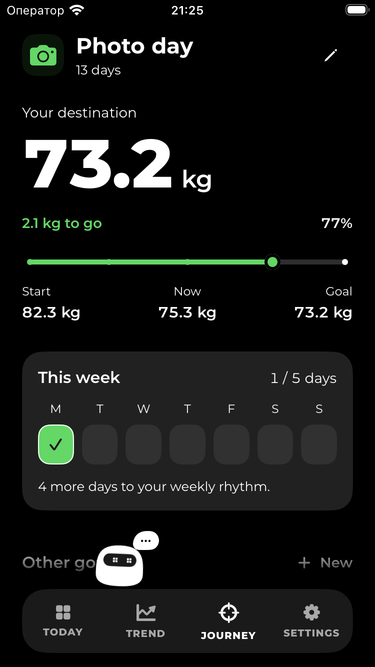
Trends smooth your measurements. Goal estimates use your recent pace and can change as new readings arrive.
A little character
A little encouragement. A little side-eye. Pick the voice you like, tap when you want to hear it, and mute a line that doesn’t land.

“The scale threw a tantrum. The trend rolled its eyes.”
A taste of its personality.Fits into your day
Home Screen widgets keep your trend nearby. Choose whether they show your weight.
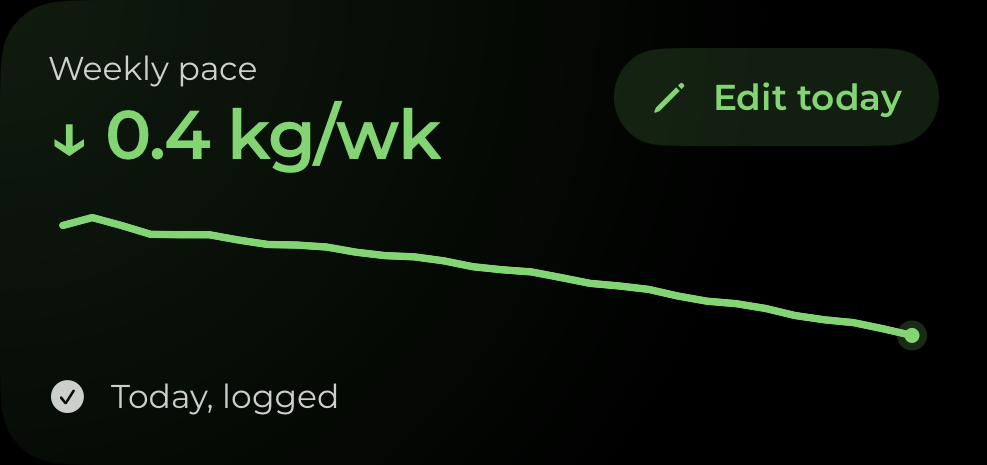
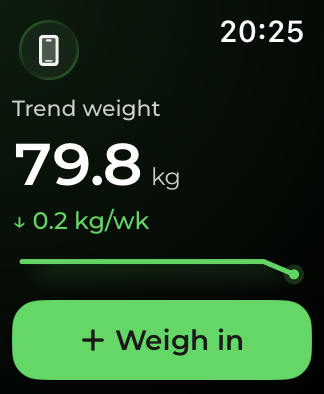
Record a weigh-in on Apple Watch. Scalin syncs it with the app on your paired iPhone.
Connect it to bring in your weight history and write new readings back. Or keep logging manually — Health is optional.
Personal means personal
We don’t run a server that receives your weigh-ins. Your history lives on your devices, with optional Apple Health integration.
One subscription
Trends, goals, your companion, widgets and Watch. Full access on either plan.
Your local price and any eligible free trial are shown in the app before you confirm. Plans renew automatically. Manage or cancel in your Apple Account settings.
Find your planGood to know
Scalin is free to download and set up. Access to the main app requires an active subscription or an eligible free trial. The purchase screen shows your price, billing period and any trial before you confirm.
No. You can enter readings directly on your iPhone. If your smart scale writes weight to Apple Health, you can allow Scalin to read it. Apple Watch is an optional companion — install Scalin on your paired watch to sync.
It’s a smoothed average of your measurements, designed to make the direction easier to see. It isn’t a separate measurement or a medical assessment. Goal dates are estimates, not promises.
Yes. Manage it in iPhone Settings → your name → Subscriptions. Paid access continues until the end of the paid period; a free trial may end when you cancel. To avoid a trial charge, cancel at least 24 hours before it ends. Restore purchases from Scalin’s subscription screen using the same Apple Account. More about cancellations and refunds.
Email support@scalinapp.com. For a subscription issue, include the Support ID from Settings → About Scalin. You don’t need to send your weight history.